Every shared shelf, online.
Put your book swap, lending shelf, tool library or family kit on Open Catalogue. Snap a photo to add something, see what’s there before you set off, and know exactly who borrowed what.
- No app to install
- Works on any phone
- A QR code links the shelf to its list
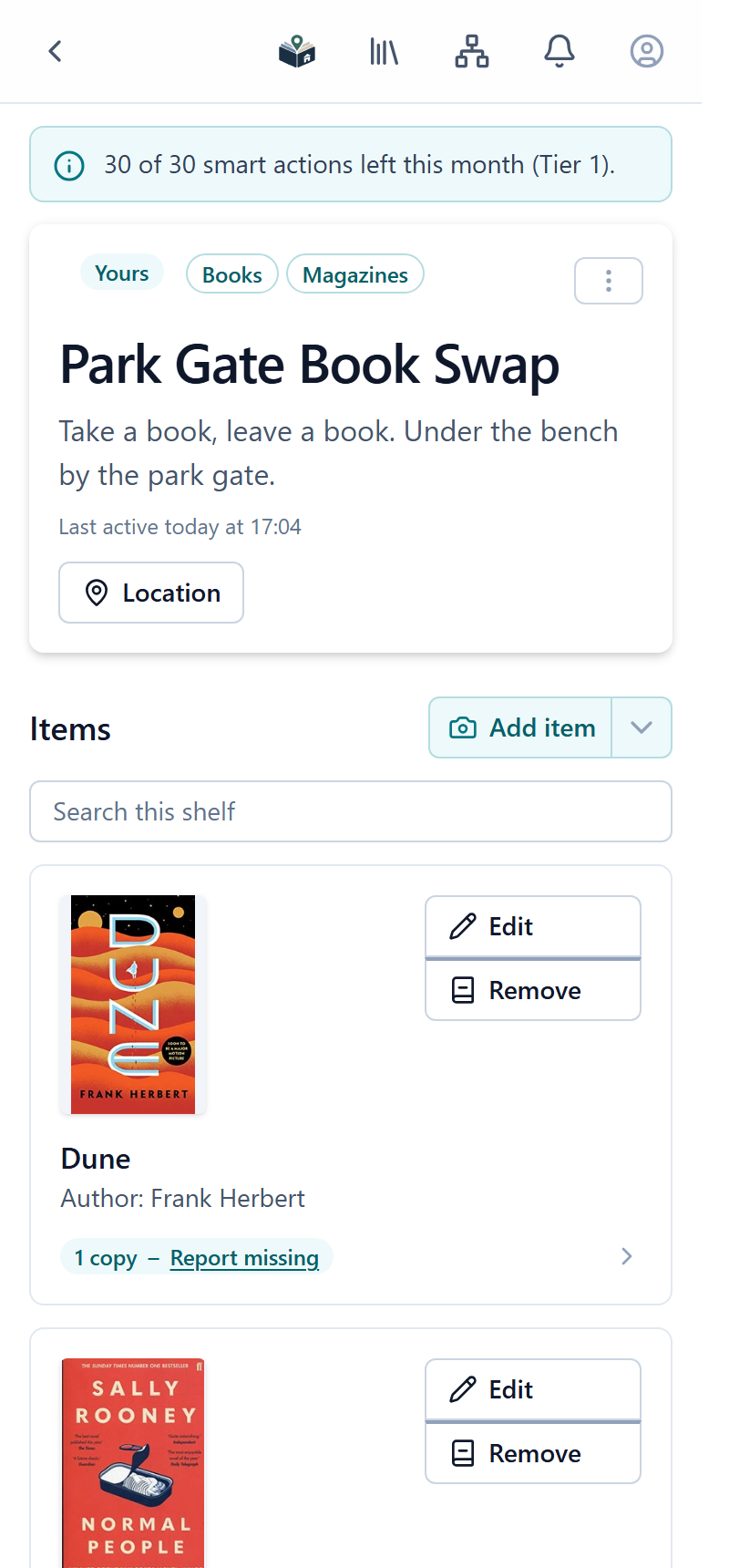
One app for anything people share.
A catalogue is a record of a real collection in one place: a shelf, a box, a garage or a room. These are the ones people set up most.
-
Little free libraries and book swaps
Pin a flyer to the box. Passers-by scan it, see what’s inside before they walk over, and add or take books with a photo.
- Free
- Map
- QR flyer
-
Church and community lending shelves
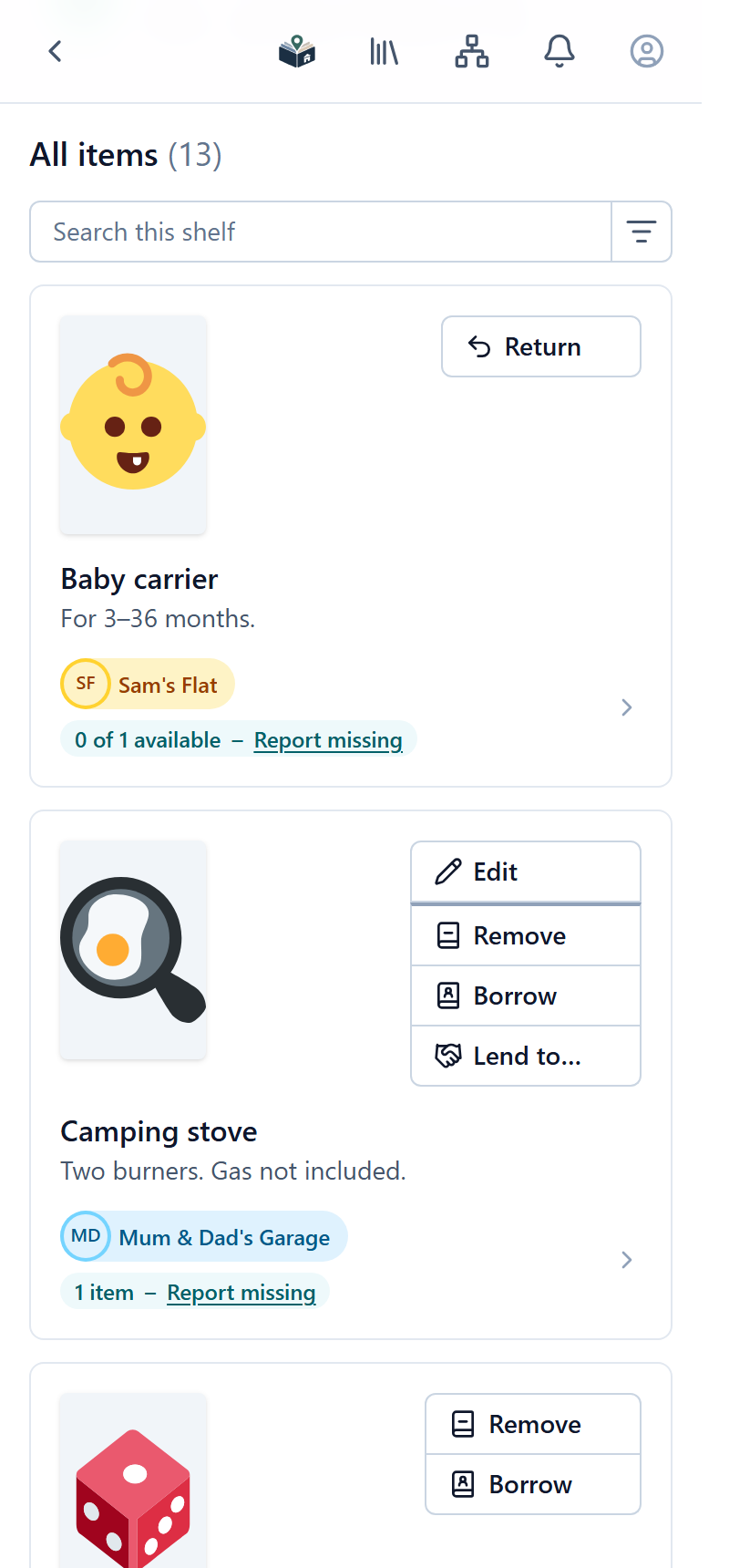
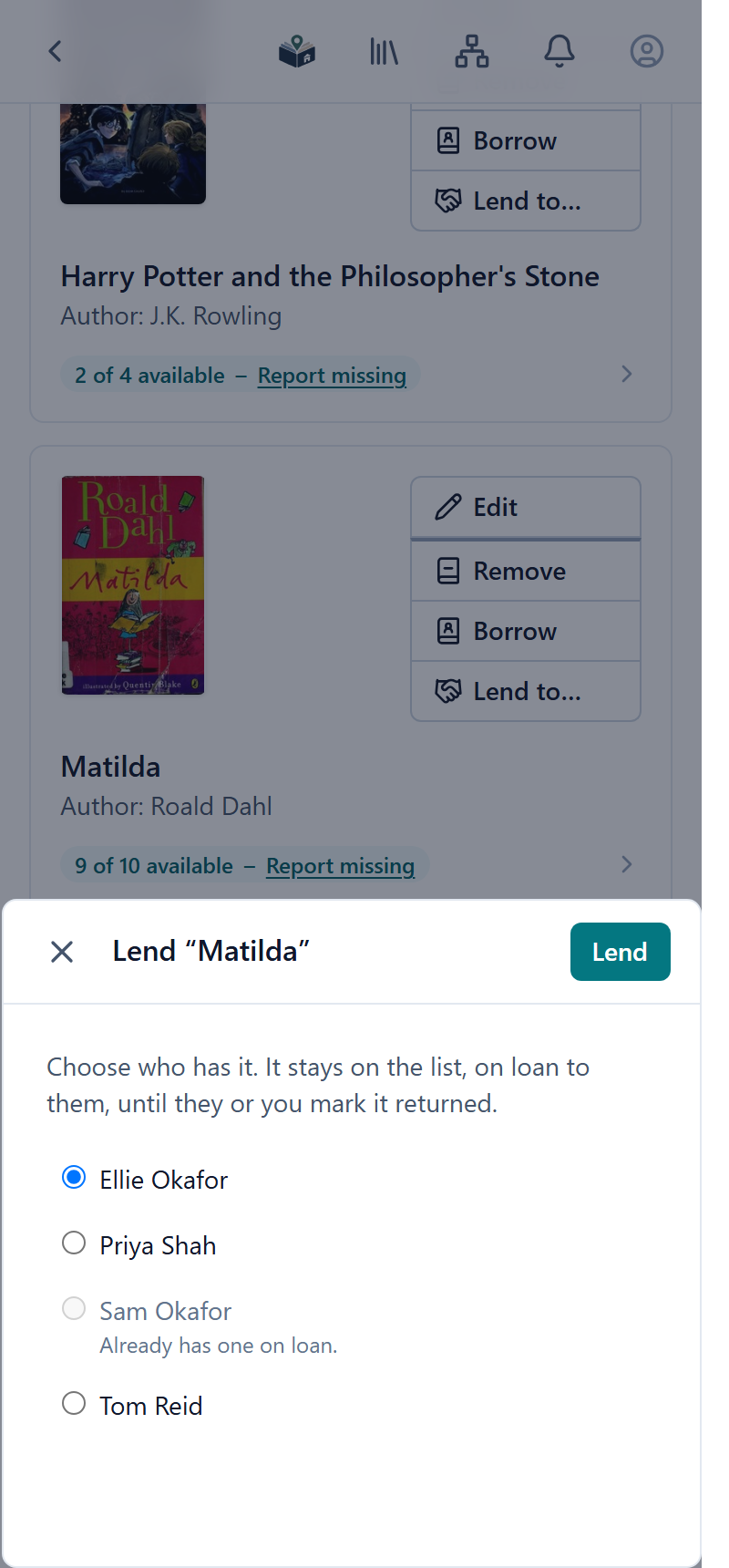
Regulars borrow a copy and bring it back, or you lend one to them. The card shows “9 of 10 available”, and you can see who has what.
- Borrowing
- Lend to
- Missing reports
-
A family lending pool
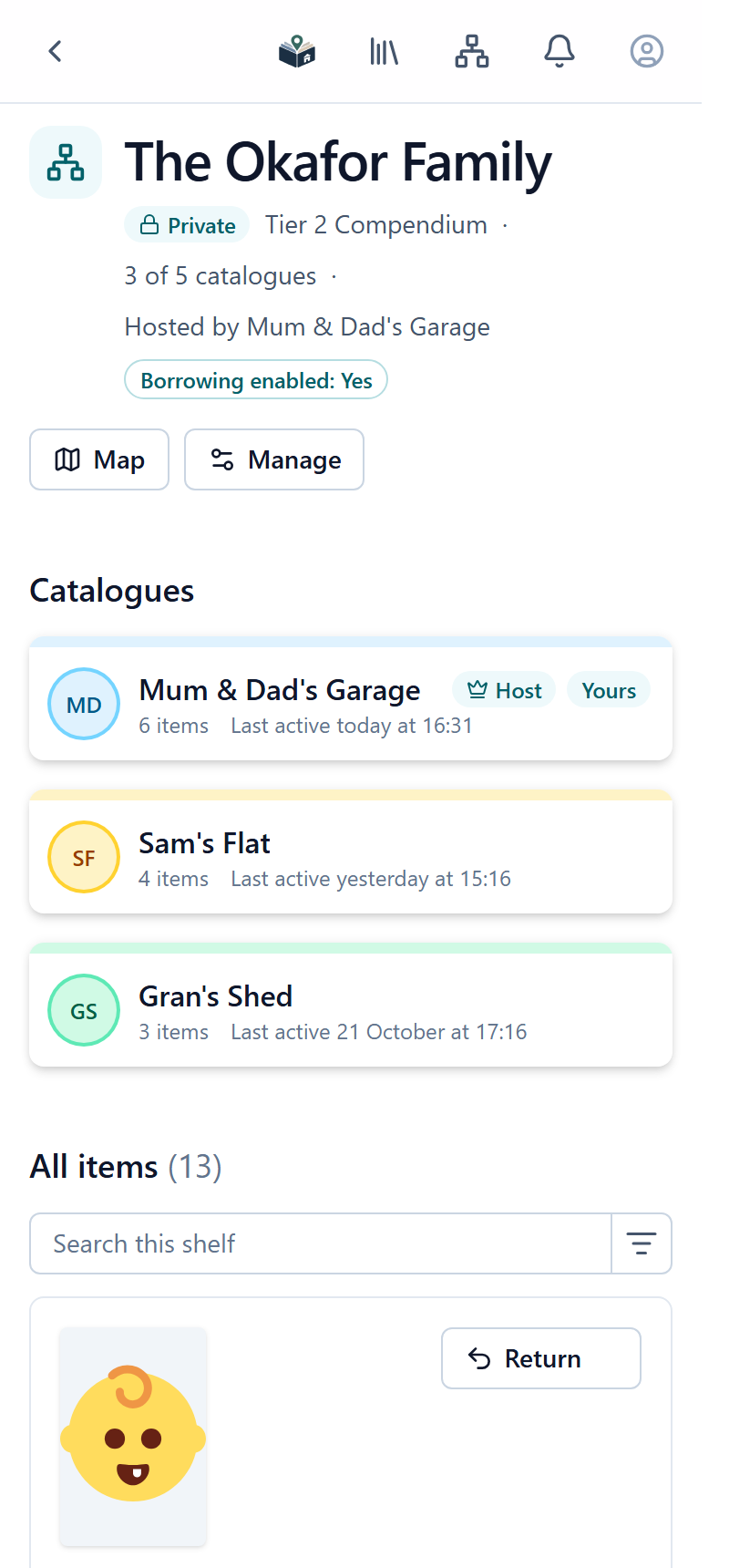
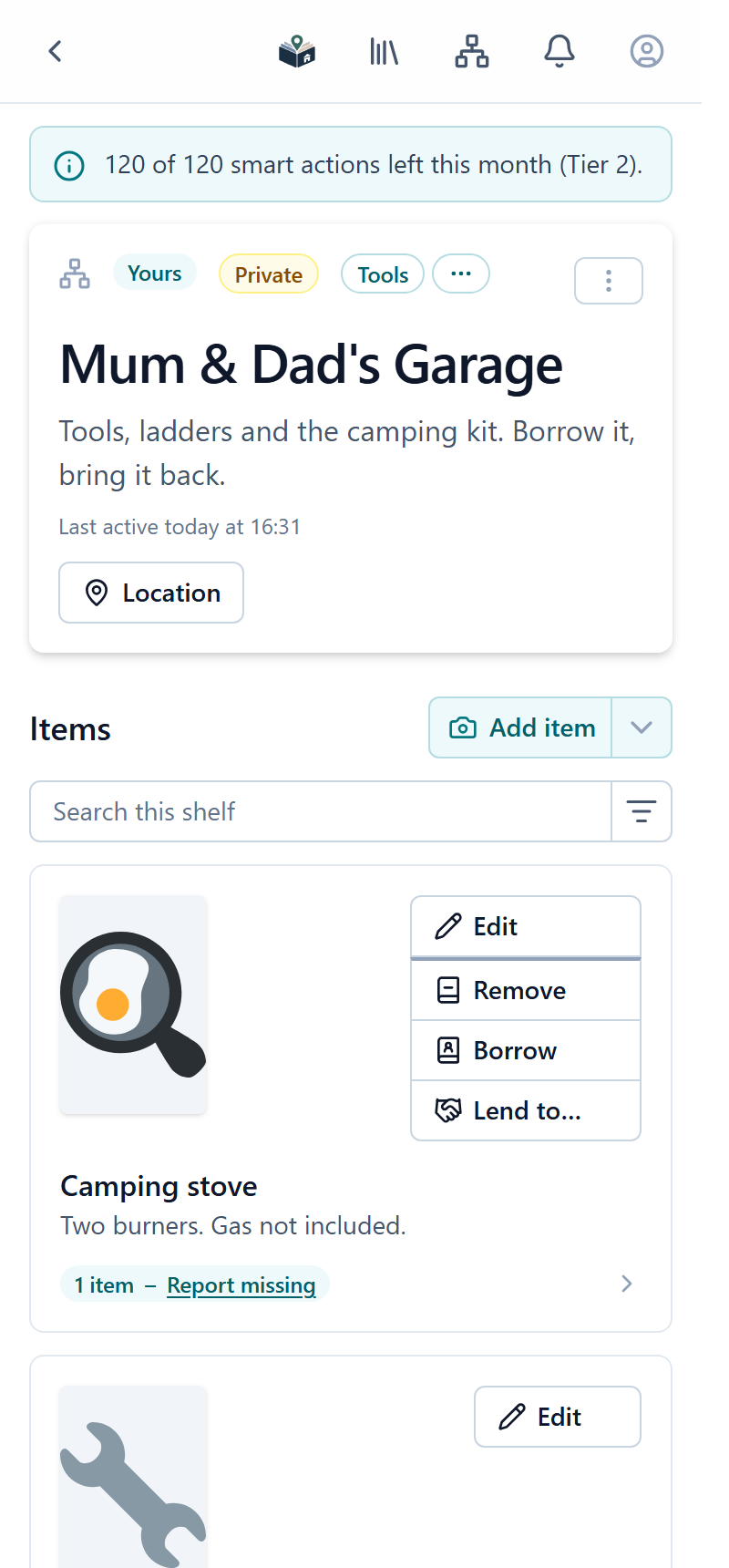
A private catalogue for each home (the garage, the flat, Gran’s shed) linked together, so one list answers “does anyone have a tile cutter?”
- Private
- Compendium
- Borrowing
-
Office and school libraries
Private to your staff or your class, with colleagues as co-owners. Check outstanding loans at the end of term.
- Private
- Co-owners
- Owner-only add
-
Tool, toy and seed libraries
Lend drills, ladders, games and baby kit to members, with the kinds of thing you hold named your way.
- Borrowing
- Your own item kinds
-
Shelf networks across a town
Link up to ten catalogues in a Compendium. Join one and you can see every shelf in the network, with one combined list of items.
- Compendium
- Combined list
Not just another inventory list.
Open Catalogue is made for collections that live somewhere real and are looked after by real people.
-
It only counts at the shelf
Adding, removing, borrowing and returning only work when you’re standing at the shelf, so the list matches what’s really there.
-
“Last active” tells you who cares
Every catalogue shows when it was last used, so you can tell a well-kept shelf from one nobody has visited in months.
-
A printed code joins it up
Print a flyer for the shelf. Scanning its QR code takes people straight to the list, or straight to photographing what they’re leaving or taking.
Everything a shared shelf needs.
Add things from a photo
Press Add item and take a picture: what’s in it is recognised and the details filled in for you. Or use whichever way suits the item.
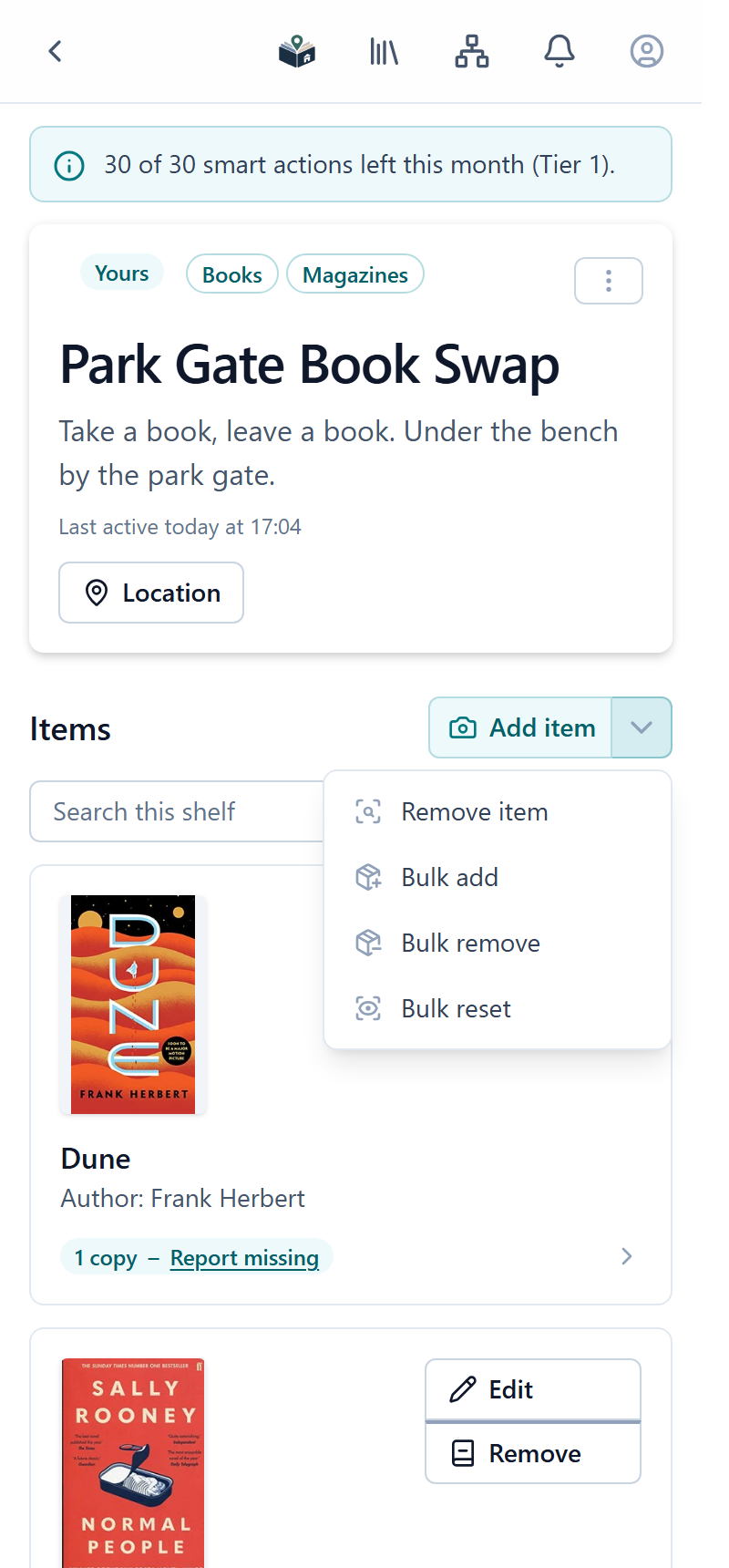
- Add item and Remove item: photograph what you’re leaving or taking and it’s recognised.
- Bulk add, bulk remove and bulk reset: owners update a whole shelf from one photo, and review every change before it’s made.
- Scan a book’s barcode to fill in the title, author and cover.
- Type it in with a name, picture, count and price.
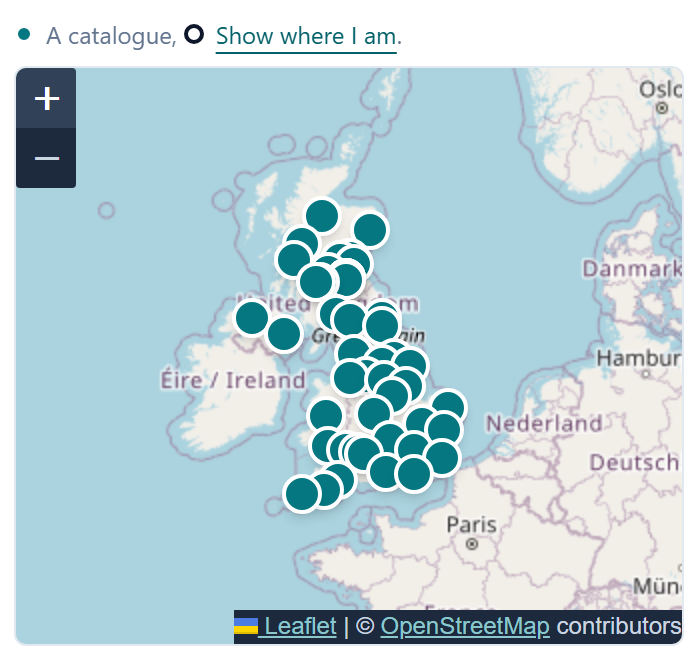
Find shelves near you
Every public catalogue has a pin on the map. Search near where you are, filter by what they hold, and check what’s on a shelf before you walk over.
- Near-me search and filters by kind of thing.
- Subscribe from a QR code or a link to keep a shelf on your list.
Lend things, and get them back
Turn borrowing on and readers borrow a copy instead of taking it. It stays on your list, counted out of what’s available until it comes back.
- “9 of 10 available” on every card.
- Lend to: hand a copy to one of your subscribers and record who has it.
- The loans page shows who has each copy, and owners can mark any loan returned.
- Reservations on paid plans: readers ask for an item to be kept for them, and you approve.
- “This isn’t here” reports flag missing items without deleting them.
Link catalogues into a Compendium
Join up the homes in a family, or the shelves across a town. Anyone in one catalogue can see all of them, with every item in one list.
- 2, 5 or 10 catalogues, depending on the host’s plan.
- Each catalogue keeps its own owners, and you can see which shelf every item is on.
Print a flyer for the shelf
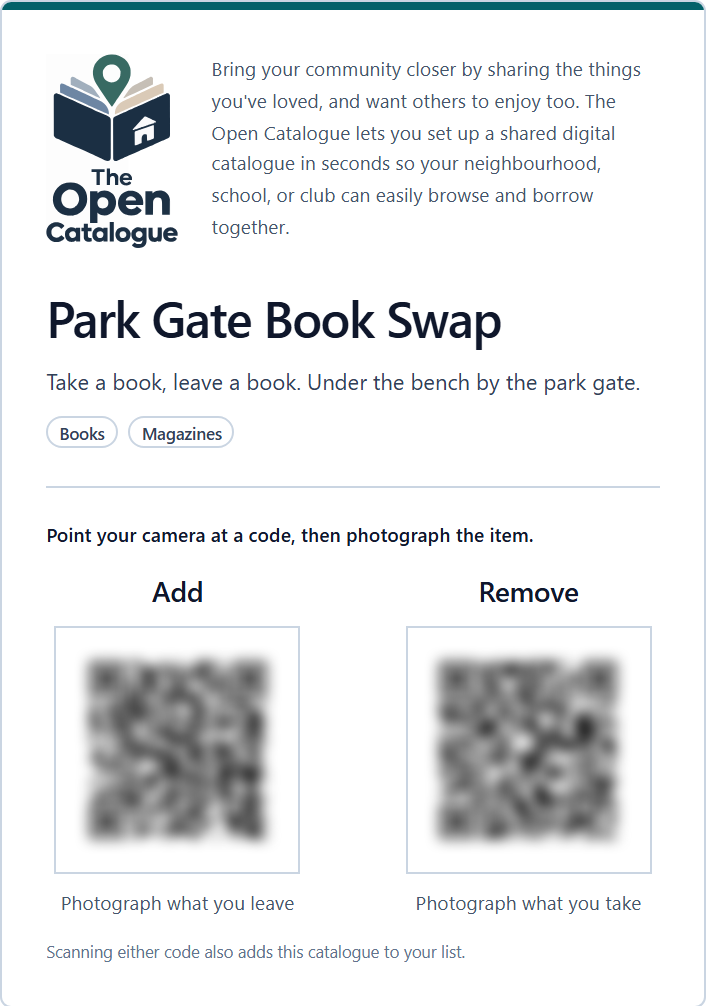
One page with your message and QR codes. People scan to add the shelf to their list, or go straight to photographing what they’re leaving or taking.
- Your own message, separate from the catalogue’s description.
- Add and Remove codes on paid plans.
Keep it private, and share the work
On a paid plan a catalogue can be off the map and invite-only, ideal for a home, a staff room or a club.
- Private catalogues, joined by an invite link that expires.
- Co-owners who can do everything you can.
- Owner-only adding or removing, so you decide what goes on the shelf and what leaves it.
- Hand over a catalogue to a new volunteer when you move on.
Free to start. Upgrade one catalogue at a time.
Every catalogue starts on the free plan, with borrowing, the map, the flyer and five smart actions. A paid plan belongs to one catalogue and adds more smart actions every month, reservations, private catalogues, co-owners and Compendiums.
Put your shelf online today.
It takes a couple of minutes, and it’s free. All you need is a phone and something to share.